Modification of a Cessna 182T by application of a Garmin STC EASA#10060873
- Garmin provides the STC for the installation (initially FAA STC, adopted by EASA under a different number).
- An authorization letter is granted to the installer (approved workshop)
- An AML (Approved Model List) details the list of aircrafts that are eligible to receive the STC including the C182T
- An installation manual is provided by Garmin
- After the installation, an addition to the POH (Pilot Operating Manual) is made via AFMS (Aircraft Flight Manual Supplement)
- After the installation, an addition is made to the AMP (Aircraft Maintenance Program) due to the addition of new ICA (Instruction for Continuing Airworthiness)
- The W&B is unchanged (negligible)
- A GPS antenna is needed for the GTX ADSB out function. The installation of the antenna is not covered by the STC. It has to be installed via CS-STAN (CS-SC 0004b), with issuance of a Form 123.
The story below was initially published on EuroGA.
Dan will surely say I should fly instead of transforming my aircraft into an Airbus computer. And he will be right to say so…
Though, I thought I could share the process of upgrading an old G1000 steed with ADS-B via the GTX345 route. The GTX345 is fully ADS-B OUT & IN transponder.
The opportunity appeared with an air work mission, which required, among other stuff, the installation of two GPS antennas on the fuselage. I immediately thought: “what will I do with the holes afterwards ?”. The answer came soon: “I could install a GPS antenna to feed an ADS-B transponder”
Actually, my old G1000 is not WAAS, so its position is not approved to be streamed via ADS-B out. As WAAS upgrade is not part of my plans, the only way was to go with a GTX345R (remote) with integrated WAAS receiver. In that case, the transponder needs its own WAAS antenna.
The main point is that Garmin developed the GTX345 with backward compatibility in mind. That way, my old G1000 appeared compatible with a high level of integration, especially dealing with ADS-B IN features. To do so, the GTX345 software includes a “legacy” mode, so that it can emulate two old boxes, that legacy G1000 already knows: the GDL90 (ADSB IN features) and GTX33ES (ads-b OUT features).
ADS-B out is not the fun part. It’s not a punishment either. Some people say it is just a snitch. It is not my opinion: I am happy to share more data relative to my flight, to the ATC or to other aircraft, because I think I will be rewarded with a higher level of service. I’m happy to share the sky and work with ATC as a team.
ADS-B IN is the fun part, because it adds new capability to my avionics, often considered as a dead end. Let’s see what we’ll have:
TRAFFIC
Another big point is that my aircraft is equipped with a legacy TAS (KTA870). However, the G1000 cannot handle two traffic devices. In that case, the GTX345 becomes the “merging hub”; the TAS unit is no more connected to the G1000, but to the GTX345. This is possible because the GTX345 can communicate with most existing TAS processors, including the KTA810 unit. This configuration allows:
– merging of targets which emits Mode A-C-S and ADS-B out
– the air – ground transponder law is applied to the TAS, which is automatically switched to stand-by when on the ground, and activated when airborne.
As the GTX345 becomes the traffic unit connected to the G1000, there are more improvements to expect:
– traffic aural alerts are muted below 500ft AGL and on the ground (they could be painful)
– instead of “TRAFFIC TRAFFIC” aural alert, you have a smarter message “Traffic, one o’clock, two miles, below”
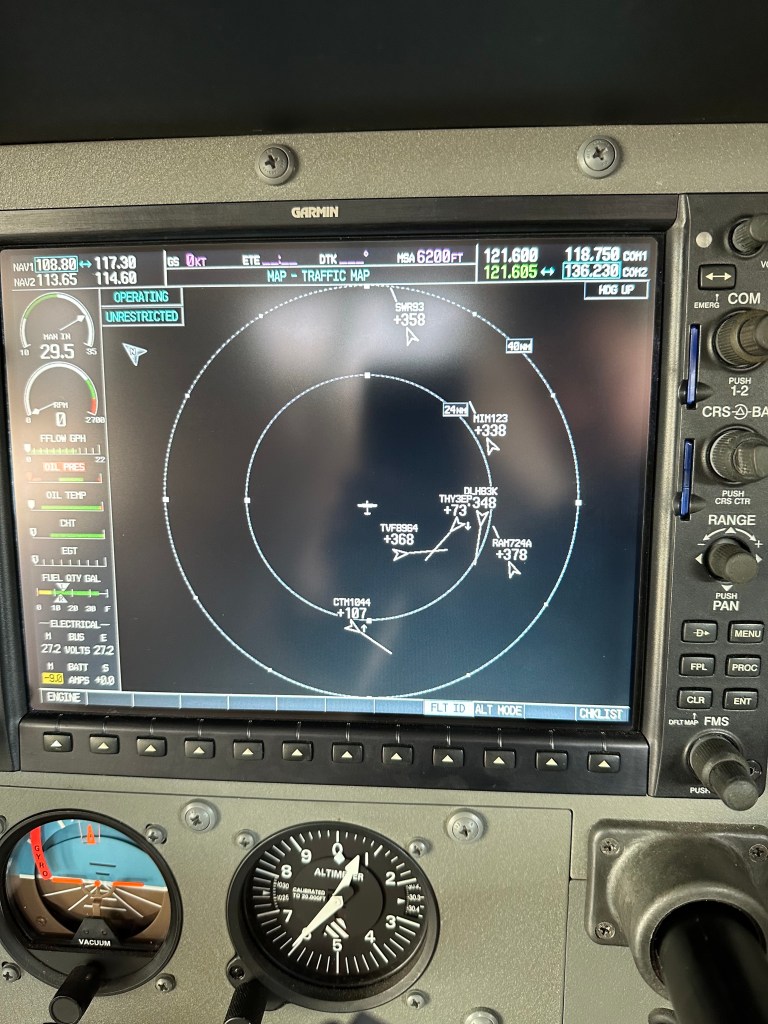
– of course, you get the new symbology with Vectors for ADS-B target, including the possibility to show registration. You also get dedicated symbols (red) for traffics on ground.
WEATHER
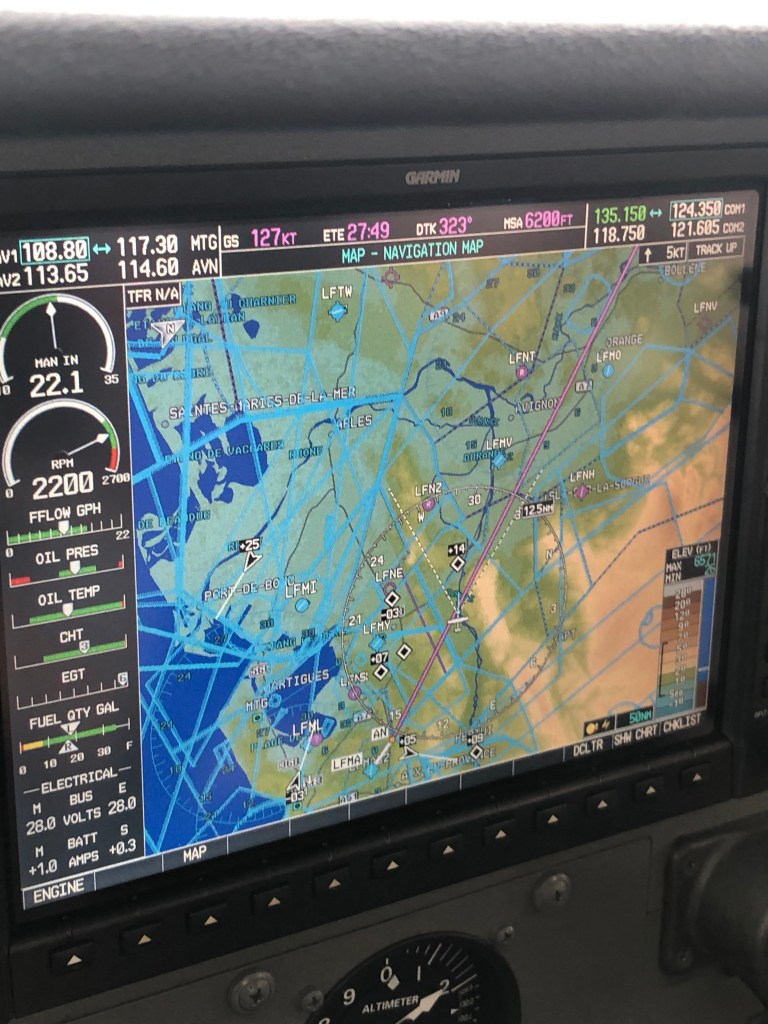
With the GTX345 installed, my G1000 now has the “FIS-B Weather” page. When Europe has ground stations emitting FIS-B, I will receive weather on-board… I was said Sebastian also developed a solution allowing the ADL to stream over ADS-B (like a mini on-board station).
That’s a new input canal into my old avionics, so that’s good !
AHRS
The GTX345 comes with an internal AHRS, meant as a back-up feature. To use it, you need Garmin Pilot or Foreflight, and connect the GTX via BT. When connected to the GTX, the iPad also receives all the traffic informations. I will show some video with nice (unexpected) surprise.
FLIGHT ID
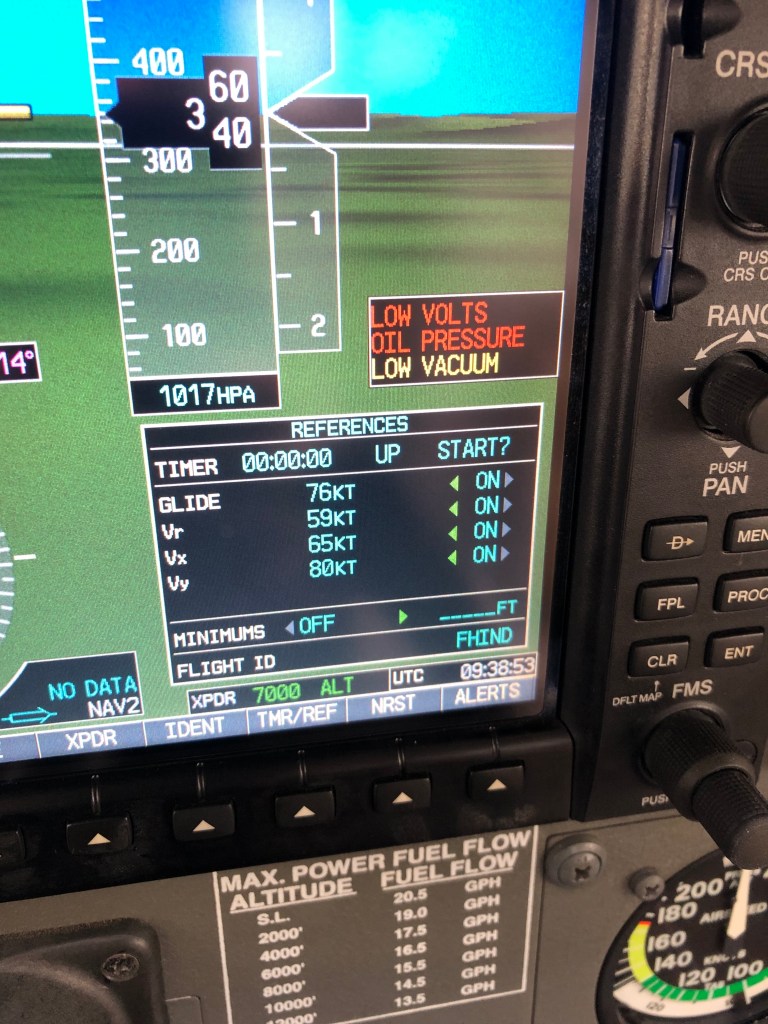
Last nice (small) improvement, the possibility to change your Flight ID from the user interface of the G1000.
I collected data on this installation during quite a long time because I wanted to be sure I would not turn a perfectly working aircraft with TAS system in a nightmare.
There are a few things about wiring which had to be discussed. Also, the GTX345 can communicate with so many different equipments, that the software configuration was not straightforward.
When I went to the avionics shop, I had finalized what I thought to be the proper wiring and soft config. It proved I was right. I’m happy to share my documents.
GIA_CONFIG_GTX345_Feuille_1_3_pdf
GIA_CONFIG_GTX345_Feuille_2_pdf
A DA40 owner in the United States, specifically warned me about a point which was not documented in the installation manual.
The GTX345 sources heading information from the GIA63#2 via ARINC429 (High Speed).
But the TAS also needs heading information, also from GIA63#2 via ARINC429 (High Speed).
The installation manual says that you can use any ARINC429 pin available.
It seems it is not true, because the same GIA63 can’t handle properly two high speed ARINC429 out pin (the DA40 owner experienced instability and failures).
I was advised that the GTX345 and TAS unit share the same pin, and that only one pin is configured High speed.
The avionics shop approved that wiring method, and the result is good for me.
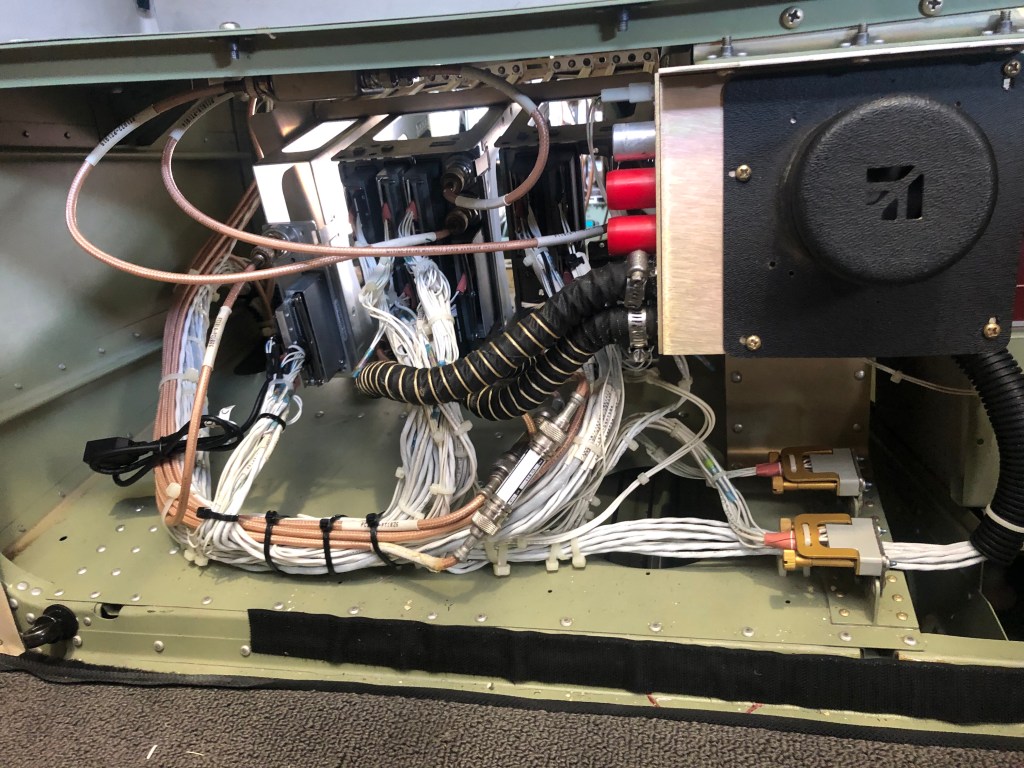
I should stress that all the installation / wiring was done in rear avionic rack. It was easy access, short distance wiring modification / installation. The only distant connection was to the audio box, fortunately we have been able to use the audio wires going from the TAS (near the transponder) to the audio box. So the installation it self was not a huge work.
Finally the surprise with the AHRS. Not only it is very stable / smooth / usable, but thanks to the deep connection with the G1000, you get true IAS and pressure ALTITUDE, freshly sourced from the ADC. What appears on the iPad, is exactly what you have on the PFD.
 Aeropages